
This document describes the features and characteristics of the Philips TVs 32PFL1200/T3 and 42PFL1300/T3, including product information, supported display resolutions, multimedia capabilities, tuners/receivers/transmissions, remote control, power supply, and supported TV mounting brackets.
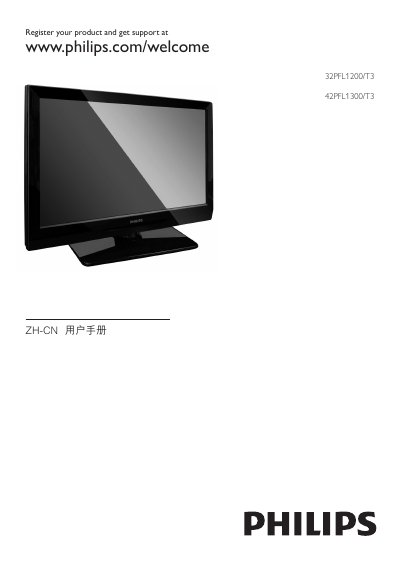
This manual explains how to safely install and use the Philips 32PFL1200/T3 and 42PFL1300/T3 televisions. It includes safety warnings, mounting instructions, remote‑control functions, and guidance for connecting external devices such as HDMI sources and USB storage.
The guide also covers picture and sound settings, power‑saving features, and a detailed troubleshooting section. Technical specifications for both models, including dimensions and weight, are listed in the product specifications chapter. This manual is written in Chinese.
| 32PFL1200/T3 Dimensions (W×H×D) | 778.5 mm × 509.2 mm × 98 mm |
|---|---|
| 32PFL1200/T3 Weight | 8.6 kg |
| 42PFL1300/T3 Dimensions (W×H×D) | 1011 mm × 650 mm × 108 mm |
| 42PFL1300/T3 Weight (without stand) | 14.26 kg |
| 42PFL1300/T3 Weight (with stand) | 17.36 kg |
Use a soft, damp cloth to wipe the screen and frame, and do not use alcohol, chemicals, or household cleaners.
Yes, the TV remains partially powered in standby, but it still consumes a small amount of electricity.
Check that the power cord is plugged in and the outlet voltage matches the rating on the TV’s back; then press the standby/on button on the remote or the TV.