
This manual introduces the basic functions of the Philips 32PFL 0/T3 and 42PFL /T3 LCD televisions. You can use this manual to learn how to turn on and off the television, how to switch channels, how to connect external devices, how to watch connected external devices, how to adjust the television's picture and sound settings, etc.
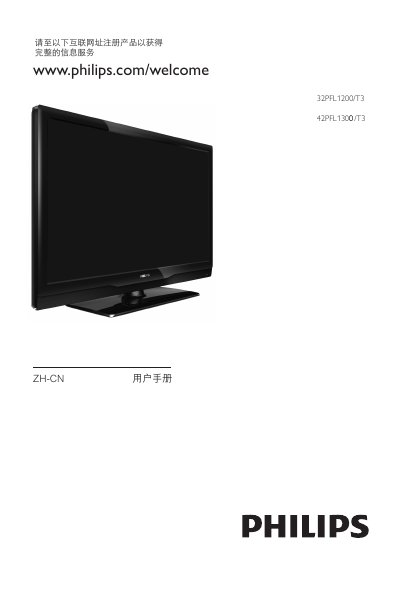
This manual covers everything needed to install and use the Philips 32PFL1200/T3 and 42PFL1300/T3 televisions, including connecting antennas, HDMI and USB devices, navigating menus, adjusting picture and sound settings, and using the remote control. It also explains how to register the product online for full support.
Safety and installation instructions are provided, such as proper handling of heavy units, mounting guidelines, ventilation requirements, and warnings about electrical hazards. The troubleshooting section lists common issues with channels, picture, sound, and HDMI connections, and gives step‑by‑step solutions. This manual is written in Chinese.
Press the power button on the remote (standby‑on) or the TV’s side power button.
Select the reset option in the TV’s menu to restore factory defaults.
Disconnect the power cord, wait about a minute, then reconnect it.
Check that the remote’s batteries are installed with the correct polarity.