
This document provides safety measures and maintenance information for Philips LCD Monitor 230E1, including operation, maintenance and storage precautions, and troubleshooting information.
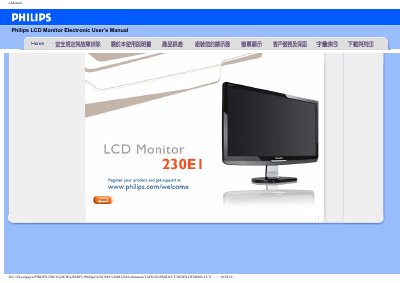
This manual provides safety guidelines, installation steps and troubleshooting information for the Philips 230E1 LCD monitor. It covers proper handling, environmental limits, and how to connect and power the display safely.
The FAQ section answers common questions about video mode errors, driver installation, resolution settings, USB compatibility and how to reset the monitor to factory defaults. A glossary explains technical terms and a download section offers driver files and printable PDF versions. This manual is written in Chinese.
| Recommended resolution | 1920 x 1080 @ 60 Hz |
|---|---|
| Refresh rate | 60 Hz |
| Operating temperature | 0‑40 °C |
| Operating humidity | 20‑80 % RH |
Set the monitor to the recommended video mode of 1920 × 1080 @ 60 Hz, then restart the computer.
Press the menu button, then the settings button and select "Reset" to restore all factory default values.
Configure the 23‑inch monitor to 1920 × 1080 @ 60 Hz.