
This document is the electronic user manual for Philips LCD monitors, including safety measures, common problems, troubleshooting, and other related information.
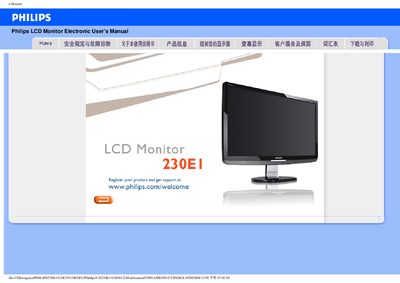
This manual covers the safe installation and operation of the Philips 230E1 23‑inch LCD monitor. It includes safety precautions, recommended operating conditions, and detailed instructions for connecting the monitor to a PC, installing drivers, and adjusting display settings.
The document also contains a comprehensive FAQ section that addresses common issues such as video mode errors, cleaning the screen, and power problems, as well as a download and print guide for obtaining driver files and printable versions of the manual.
| Operating Temperature | 0‑40 °C (32‑95 °F) |
|---|---|
| Operating Humidity | 20‑80 % RH |
| Recommended Video Mode | 1920 × 1080 @ 60 Hz |
| Screen Size | 23‑inch |
Set the display resolution to 1920 × 1080 at 60 Hz as recommended for the Philips 23‑inch monitor, then restart the computer.
Turn off the monitor and unplug it, then wipe the screen with a slightly damp soft cloth. Do not use organic solvents or ammonia‑based liquids.
The monitor can be used in environments from 0 °C to 40 °C (32 °F to 95 °F).