
Key facts
- Brand
- Philips
- Model
- 220E
- Category
- Other
- Industry
- Electronics
- Documents
- 7
- Languages
- ZH · SL · EN
- Last added
- 2012-03-23
Start here
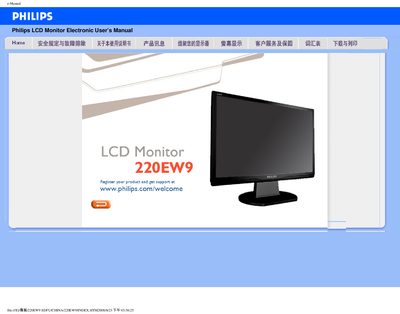
Philips 220EW9 LCD Monitor User Manual
This manual provides safety guidelines, troubleshooting steps, and installation instructions for the Philips 220EW9 LCD monitor. It includes detailed FAQs covering common issues such as display errors, refresh rate settings, and color temperature adjustments.
The document also contains information on recommended operating conditions, cleaning procedures, and how to download and install driver files. Users can find step‑by‑step guidance for connecting power, adjusting the OSD menu, and mounting the monitor using VESA brackets. This manual is written in Chinese.
Philips 220E specifications
| Recommended resolution | 1680x1050 @ 60 Hz |
|---|---|
| Power input | AC |
| Video inputs | DVI‑D, VGA |
| Video inputs | VGA |
All Philips 220E documents by type
Mounting, wiring and first power-up. Read it before the hardware goes in.
Day-to-day operation, settings and troubleshooting. Start here if the product is already set up.
Questions answered in these manuals
How do I install the monitor base?
Place the base on the desk, insert the monitor vertically into the base, check the insertion, then lay the unit horizontally.
How do I lock the anti‑theft switch?
Pull the slide switch upward and lock it; to unlock, pull it down.
Why does the monitor show “Cannot display this video mode”?
The monitor supports a maximum resolution of 1680 × 1050, so using a higher resolution will trigger that message.
How can I change the monitor’s color temperature?
Use the OSD menu to select preset color temperatures such as 6500 K, 9300 K, or a custom user‑defined setting.
Is the Philips 220E monitor VESA‑mountable?
Yes, the back of the monitor has four standard VESA mounting holes for attaching to VESA‑compatible brackets.
What resolution does the Philips 220EW8 support?
It supports a WSXGA 1680×1050 resolution.