
This file is the Philips monitor user manual, which mainly introduces the safe use methods, precautions, maintenance and maintenance methods, as well as troubleshooting methods of the monitor.
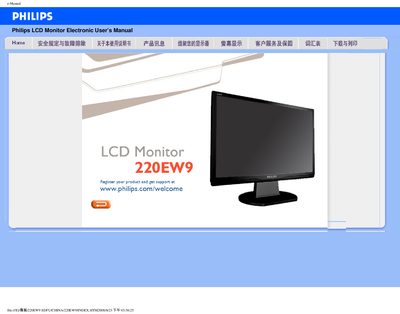
This manual provides safety guidelines, troubleshooting steps, and installation instructions for the Philips 220EW9 LCD monitor. It includes detailed FAQs covering common issues such as display errors, refresh rate settings, and color temperature adjustments.
The document also contains information on recommended operating conditions, cleaning procedures, and how to download and install driver files. Users can find step‑by‑step guidance for connecting power, adjusting the OSD menu, and mounting the monitor using VESA brackets. This manual is written in Chinese.
| Screen size | 21.6" |
|---|---|
| Resolution | 1680 x 1050 |
| Operating temperature | 0‑40 °C |
| Operating humidity | 20‑80 % RH |
The monitor supports a maximum resolution of 1680 × 1050, so using a higher resolution will trigger that message.
Use the OSD menu to select preset color temperatures such as 6500 K, 9300 K, or a custom user‑defined setting.
Yes, the back of the monitor has four standard VESA mounting holes for attaching to most VESA‑compatible brackets.