
This document introduces Philips 220E LCD monitor's safety precautions and maintenance tips, including monitor operation, maintenance, troubleshooting and other aspects.
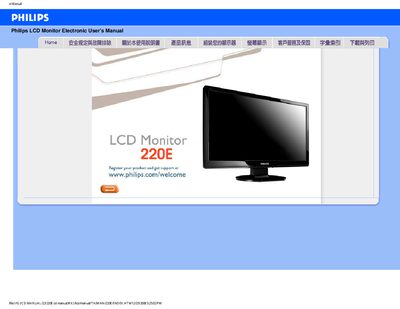
This manual covers safety precautions, proper handling, and environmental requirements for the Philips 220E LCD monitor. It explains how to connect power, avoid vibration, and keep the display clean.
The guide also includes a detailed FAQ section with instructions for adjusting resolution, color settings, refresh rate, and mounting the monitor using VESA brackets, as well as driver installation and troubleshooting common issues.
| Recommended resolution | 1920 x 1080 @ 60 Hz |
|---|---|
| Operating temperature range | 0 °C to 40 °C |