
Provide information on safety and troubleshooting for Philips LCD monitors
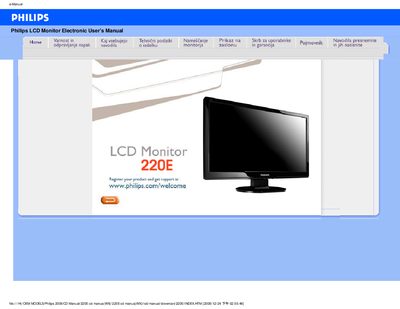
This manual covers safety precautions, proper handling, cleaning and maintenance of the Philips 220E LCD monitor. It explains how to connect power, avoid electrical hazards and keep the screen free from damage.
The guide also details display settings such as resolution, refresh rate, colour presets and VESA mounting, plus troubleshooting steps for common issues like no picture or power‑indicator problems.
| Operating temperature | 0 °C – 40 °C (32 °F – 104 °F) |
|---|---|
| Operating humidity | 20 % – 80 % RH |
| Recommended resolution | 1920 × 1080 @ 60 Hz |
| VESA mounting pattern | 4‑hole standard |
| Approved power cable | Philips‑approved AC cable |
Yes, the back of the monitor has four standard VESA mounting holes for attaching to VESA‑compatible brackets.