
This document introduces the safety usage methods and troubleshooting methods of Philips LCD display.
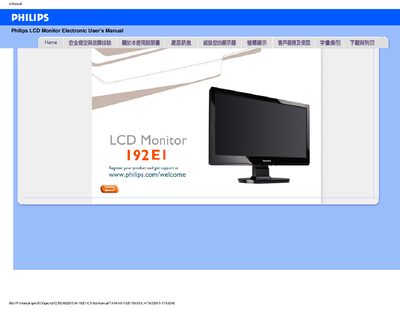
The Philips 192EI is an LCD monitor designed for computer use. This electronic user manual provides essential guidance on safe operation, installation, and maintenance to ensure optimal performance and longevity of the device.
The document covers critical safety precautions, such as avoiding direct sunlight and heat sources, as well as a detailed FAQ section addressing display settings, resolution, and technical specifications of LCD technology.
| Recommended Video Mode | 1366 x 768 @ 60Hz |
|---|---|
| Operating Temperature | 0-40° C |
| Operating Humidity | 20-80% RH |
The recommended video mode is 1366 x 768 @ 60Hz; users should adjust their computer's display settings to match this resolution and refresh rate.
Press the 'MENU' button and select 'Reset' to restore all original default values.
Yes, the monitor features four standard VESA mounting holes on the back for use with VESA standard wall mounts or accessories.