
Operating instructions for Panasonic SDR-H250GC, SDR-H21GC, and SDR-H20GC video cameras, covering setup, safety, and functions.
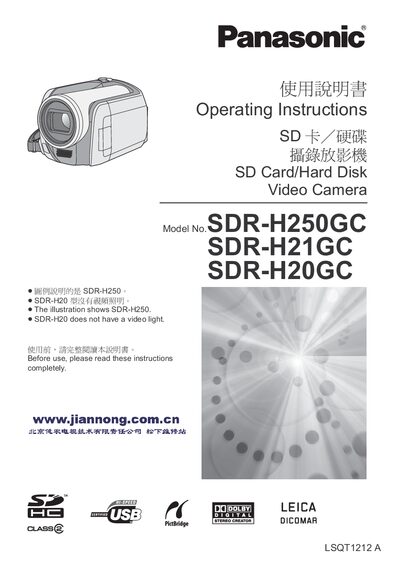
This manual provides safety guidelines, installation steps, and operating instructions for the Panasonic SDR-H250GC, SDR-H21GC, and SDR-H20GC video cameras. It includes warnings about moisture, proper ventilation, and correct use of accessories and power supplies.
The document also describes camera functions such as video recording modes, LCD display usage, memory management, and how to connect the camera to a computer for file transfer and DVD creation. Accessories, battery replacement, and troubleshooting tips are covered in dedicated sections.
| Maximum video resolution (SDR-H250) | 2048 × 1512 |
|---|---|
| Maximum video resolution (SDR-H250, HD mode) | 1920 × 1080 |
| Maximum video resolution (SDR-H21 / SDR-H20) | 640 × 480 |
| Internal HDD capacity | 30 GB |
No. The manual warns not to expose the device to rain, moisture, or shallow water.