
Key facts
- Brand
- Panasonic
- Model
- KX-T7710
- Category
- Telephone
- Industry
- Electronics
- Documents
- 2
- Languages
- EN
- Last added
- 2012-05-03
Start here
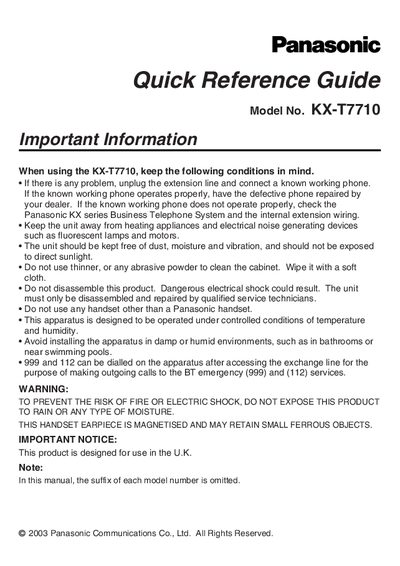
Panasonic KX‑T7710 Telephone Quick Reference Guide
The guide outlines important safety and handling instructions for the KX‑T7710, including keeping the unit away from heat, moisture, dust and electrical noise, and using only Panasonic handsets. It also explains how to troubleshoot line problems by checking the extension line and the connected Panasonic KX series Business Telephone System.
Key features and controls are described, such as the two operating modes (NORMAL and PBX), five one‑touch buttons, speed‑dial functions, message button settings, flash time, and the RJ11 data port. Instructions for adjusting ringer volume, using paging, conference calls, and locking settings are also included.
Panasonic KX-T7710 specifications
| Operating modes | NORMAL Mode and Panasonic PBX Mode |
|---|---|
| One‑touch buttons | 5 buttons |
| Data port | RJ11 modular jack |
| Default flash time | 100 ms |
All Panasonic KX-T7710 documents by type
The shortest path to a working setup, usually only a few pages.
Questions answered in these manuals
Can I use a handset that is not made by Panasonic with the KX‑T7710?
No, only Panasonic handsets may be used with this telephone.
How many one‑touch buttons are on the KX‑T7710?
The telephone has five one‑touch buttons.
How many one‑touch buttons does the KX‑T7710 have?
The telephone has five one‑touch buttons.
What are the two operating modes of the KX‑T7710?
The device can operate in NORMAL Mode or Panasonic PBX Mode.