
Key facts
- Brand
- Panasonic
- Model
- KX-TD7680
- Category
- Telephone
- Industry
- Electronics
- Documents
- 2
- Languages
- EN
- Last added
- 2012-08-07
Start here
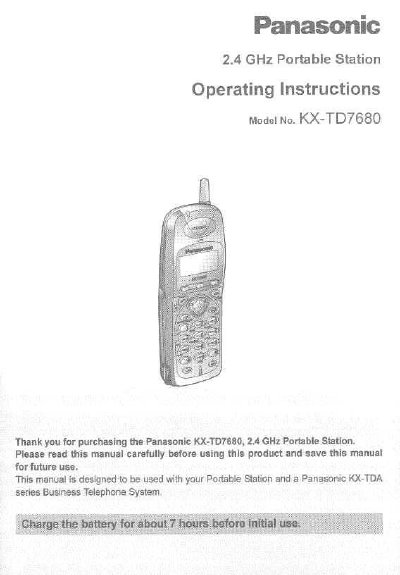
Panasonic KX-TD7680 2.4 GHz Portable Station Operating Instructions
This manual provides operating instructions for the Panasonic KX-TD7680 2.4 GHz Portable Station (PS). It details how to register the device with a compatible Panasonic KX-TDA series Business Telephone System, install batteries, charge the unit, and perform wall mounting.
The guide covers essential functions including making and receiving calls, using directories, transferring calls, and adjusting ringer volumes. It also includes instructions for locking keypads, programming initial settings, and troubleshooting common issues.
All Panasonic KX-TD7680 documents by type
Day-to-day operation, settings and troubleshooting. Start here if the product is already set up.
Questions answered in these manuals
How do I turn on the Portable Station?
Press POWER for about 2 seconds until 'KX-TD7680' is displayed.
From: Panasonic KX-TD7680 2.4 GHz Portable Station Operating Instructions
How do I lock the dialing buttons?
Press HOLD for about 2 seconds while the PS is in idle status.
From: Panasonic KX-TD7680 2.4 GHz Portable Station Operating Instructions
How long should I charge the battery before first use?
Charge the battery for about 7 hours before initial use.
From: Panasonic KX‑TD7680 Portable Station Operating Instructions
How do I turn the portable station on or off?
Press the POWER button for about 2 seconds to turn the unit on or off.
From: Panasonic KX‑TD7680 Portable Station Operating Instructions