
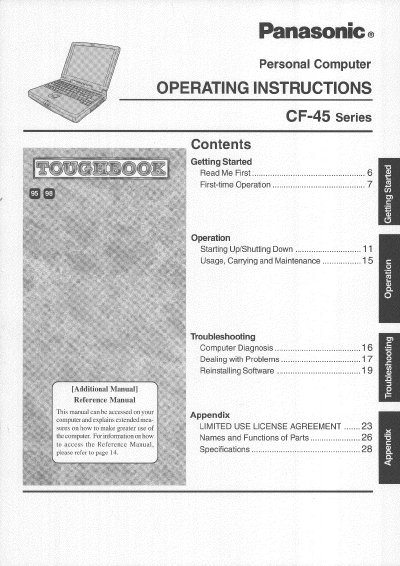
This manual provides operating instructions for the Panasonic CF-45 Series personal computer. It includes guidance on first-time operation, starting up and shutting down the system, carrying the device safely, and general maintenance procedures to ensure proper function.
The document also covers troubleshooting steps for dealing with problems, reinstalling software, and accessing an additional Reference Manual available on the computer itself. Safety warnings regarding heat, humidity, and disassembly are included.
| Operation Temperature | 5 °C to 35 °C (41 °F to 95 °F) |
|---|---|
| Storage Temperature | -20 °C to 60 °C (-4 °F to 140 °F) |
| Maximum Cable Length | 3 m (9.84 feet) |
No, the battery should only be exchanged by service personnel due to explosion risks.
The computer should be operated between 5 °C and 35 °C, and stored between -20 °C and 60 °C.
Using an interface cable longer than 3 m (9.84 feet) is not recommended.
The battery should only be exchanged by service personnel.