
This user guide contains instructions on how to use the HP Officejet Pro 8100 ePrinter. It covers topics such as setting up the printer, loading paper, printing documents, and troubleshooting problems.
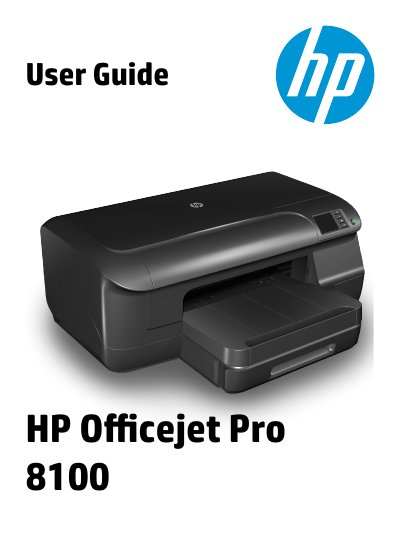
This guide helps you set up and operate the HP OfficeJet Pro 8100 printer. It includes instructions for loading media, installing accessories, printing documents and photos, and using HP ePrint. It also covers troubleshooting common issues and maintaining the printer.
The guide is organized into sections for getting started, printing, setting up HP ePrint, managing ink cartridges, solving problems, and technical information including specifications and regulatory details.
| Physical specifications | Not specified in text |
|---|---|
| Product features and capacities | Not specified in text |
| Processor and memory specifications | Not specified in text |
| System requirements | Not specified in text |
| Network protocol specifications | Not specified in text |
| Embedded web server specifications | Not specified in text |
| Media specifications | Not specified in text |
| Environmental specifications | Not specified in text |
| Electrical specifications | Not specified in text |
| Acoustic emission specifications | Not specified in text |
Load standard-size media, envelopes, cards, and photo paper using the instructions in the guide. Custom-size media can also be loaded.
Set up HP ePrint using the printer software, control panel, or embedded web server. Use the printer’s email address to print via email.