
Key facts
Start here
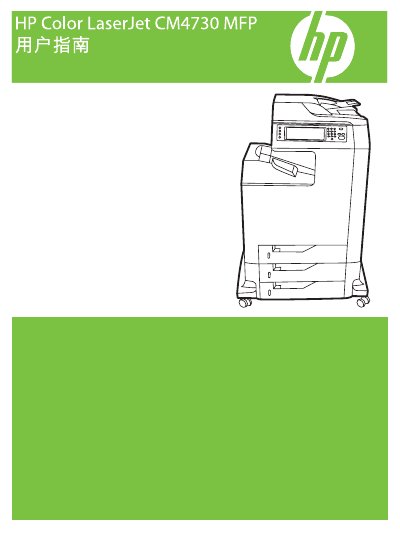
HP Color LaserJet CM4730 MFP User Manual
This guide covers the basic information, hardware layout, and control panel functions of the HP Color LaserJet CM4730 MFP. It explains how to navigate menus, configure default options, and use the touchscreen interface.
Detailed sections describe paper handling, printing, scanning, fax, network setup, firmware updates, and troubleshooting. The manual also includes maintenance procedures and consumable replacement instructions to keep the device running reliably. This manual is written in Chinese.
HP CM4730 specifications
| Print Speed (Color and B&W) | 31 pages per minute |
|---|---|
| Fax Speed | 33.6 kbps |
| Scanner Resolution | Up to 600 x 600 dpi |
| Total Input Capacity | 1600 pages |
| Embedded Hard Drive | 40GB |
Source: HP Color LaserJet CM4730 Series Multifunction Printer Product Brochure
All HP CM4730 documents by type
Day-to-day operation, settings and troubleshooting. Start here if the product is already set up.
Questions answered in these manuals
How can I set a custom paper size?
Select a custom size in the printer driver, then load the paper into a tray that supports custom dimensions.
How do I enable duplex (double‑sided) printing?
Activate duplex printing from the control panel or enable the automatic duplex option in the driver settings.
What is the print speed of the HP Color LaserJet CM4730 Series?
The printer offers a speed of 31 pages per minute for both color and black-and-white printing.
From: HP Color LaserJet CM4730 Series Multifunction Printer Product Brochure
Does the HP Color LaserJet CM4730 Series support faxing?
Yes, it includes fast and efficient fax functions as well as LAN and Internet fax capabilities.
From: HP Color LaserJet CM4730 Series Multifunction Printer Product Brochure