
HP Officejet Pro 8100 ePrinter User Guide

This user guide provides instructions for setting up, operating, and troubleshooting the HP Officejet Pro 8100 ePrinter.
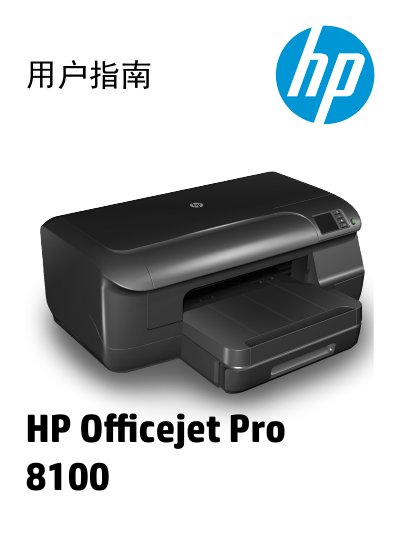

HP Officejet Pro 8100 ePrinter User Guide - cover page
Brand
HP
Category
Printer
Document type
User Manual
Language
Chinese
Pages
144
File format
PDF
File size
14.5 MB
Published
16 October, 2026
Updated
16 October, 2026
MD5 checksum
B4E063648E9367CE0C52710BD1BA032D

About this manual

The HP Officejet Pro 8100 ePrinter is a multifunction device designed for printing documents, photos, and envelopes. This manual covers essential topics including getting started with the printer, using the control panel, installing media such as standard paper and envelopes, and managing power settings to save energy. This manual is written in Chinese.

What's inside

  • Getting Started
  • Using the Control Panel
  • Printing Documents
  • HP ePrint Setup
  • Replacing Cartridges
  • Troubleshooting
  • Network Settings
  • Maintenance

Specifications

Product NameOfficejet Pro 8100 ePrinter
Copyright Year2014
Download PDF (14.5 MB)

More HP Manuals


View all HP manuals →