
Key facts
Start here
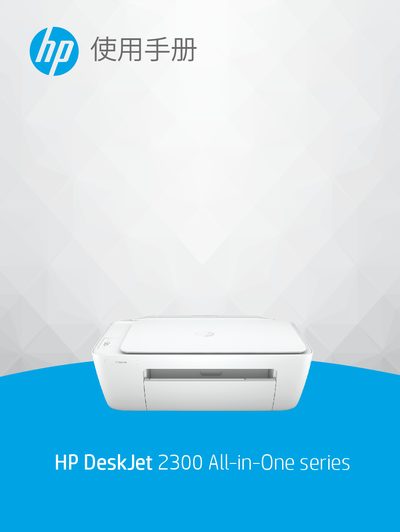
HP DeskJet 2300 All-in-One Series User Guide
This manual serves as a Getting Started guide for the HP DeskJet 2300 All-in-One series. It provides instructions on identifying printer parts, using the control panel, loading media, and operating the scanner glass.
The document details how to print documents and photos, perform copying and scanning tasks, manage ink levels and replace cartridges, connect the printer via USB or network, and resolve common issues such as paper jams and error messages. This manual is written in Chinese.
HP DeskJet 2300 specifications
| Optical Resolution | 1200 x 1200 ppi |
|---|---|
| Color Depth | 24-bit color, 8-bit grayscale |
| Scanner Glass Size | 21.6 x 29.7 cm |
| Input Tray Capacity (Plain Paper) | Up to 60 sheets |
| Output Tray Capacity (Plain Paper) | Up to 25 sheets |
| Recommended Operating Temperature | 15ºC to 30ºC (59ºF to 86ºF) |
All HP DeskJet 2300 documents by type
Day-to-day operation, settings and troubleshooting. Start here if the product is already set up.
Questions answered in these manuals
What is the warranty period for the printer hardware?
The printer hardware is covered by a 1-year limited warranty.
How long is the warranty for the software media?
The warranty for software media lasts for 90 days.
What does a flashing Power button light indicate?
A flashing Power button light along with other lights indicates a paper jam or that the ink cartridge carriage is stuck.
How many sheets of plain paper can fit in the input tray?
The input tray holds up to 60 sheets of plain paper (80 g/m²).