
HP Officejet 5600 All-in-One Series User Guide

This user guide provides operating instructions, feature descriptions, and usage guidance for the HP Officejet 5600 All-in-One printer, scanner, and fax device.
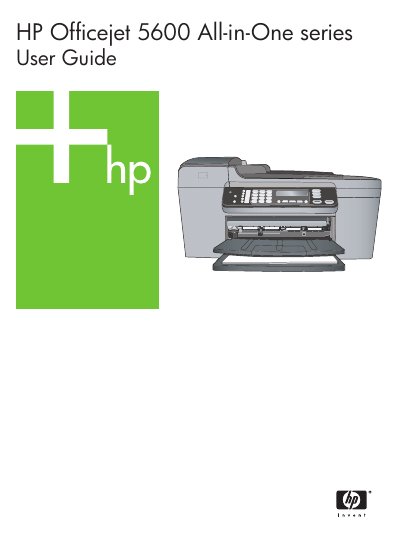

HP Officejet 5600 All-in-One Series User Guide - cover page
Brand
HP
Category
Printer
Document type
User Manual
Language
English
Pages
142
File format
PDF
File size
4 MB
Published
27 November, 2026
Updated
27 November, 2026
MD5 checksum
05647997A00E09E0B62A89A3D9C98D71

About this manual

This document serves as the User Guide for the HP Officejet 5600 All-in-One series. It covers hardware features, control panel functions, and the use of the HP Image Zone software. The guide details how to set up the device, load paper and originals, and perform basic tasks such as copying, scanning, and sending faxes directly from the machine.

What's inside

  • HP All-in-One overview
  • Control panel features
  • Menu overview
  • Finish setting up your HP All-in-One
  • Load originals and load paper
  • Use the copy features
  • Use the scan features
  • Use the fax features
  • Maintain your HP All-in-One
  • Troubleshooting information

Frequently asked questions

What is the HP Officejet 5600 All-in-One used for?

It is used for making copies, sending faxes, and scanning images.

What software is installed on the computer when setting up the HP All-in-One?

The HP Image Zone software is installed on your computer.

What operating systems does the HP Image Zone software not support?

It does not support Mac OS 9 and OS 10.0.0 - 10.1.4.

Download PDF (4 MB)

More HP Manuals


View all HP manuals →