
This manual introduces the user to the HP Officejet 5600 All-in-One series products, including safety information, HP All-in-One overview, finding more information, completing HP All-in-One setup, loading originals and paper, using the copy function, etc.
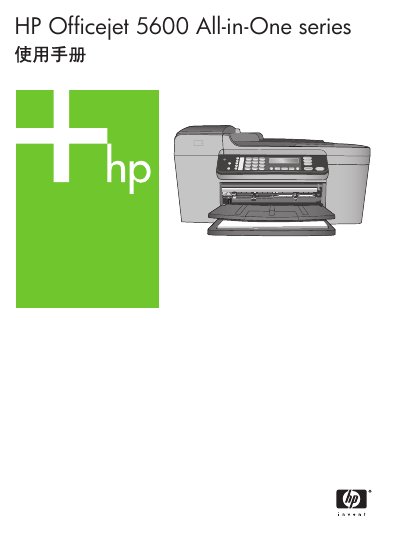
This manual introduces the HP Officejet 5600 All-in-One printer, describing its hardware features, control‑panel layout, and the HP Image Zone software that extends its functionality. It also explains safety information and basic installation steps.
The guide covers everyday tasks such as printing, copying, scanning, and faxing, as well as ordering supplies, performing routine cleaning, and troubleshooting common problems. Technical specifications and warranty details are provided in the final sections. This manual is written in Chinese.
| Maximum print speed | Up to 278 pages per minute (black) |
|---|---|
| Maximum scan resolution | 600 x 1200 dpi |
| Fax memory | Up to 100 pages |
| Memory specifications | 2 MB ROM, 16 MB RAM |
| Recommended USB cable length | No longer than 3 m (10 ft) |
Refer to the Maintenance section, which describes cleaning the printer, cleaning the glass plate, and cleaning the ink cartridge contacts.
Paper tray 1 holds up to 100 sheets, tray 2 up to 50 sheets, and the document feeder up to 25 sheets.
The fax memory can store up to 100 pages of fax data.
Use a USB cable no longer than 3 meters (10 feet) to avoid interference in high‑electromagnetic fields.