
This document provides the user guide for HP LaserJet Pro MFP M148-M149, HP LaserJet Pro MFP M227-M229, and HP LaserJet Ultra MFP M230-M231. The document describes the features and characteristics of these printers in detail.
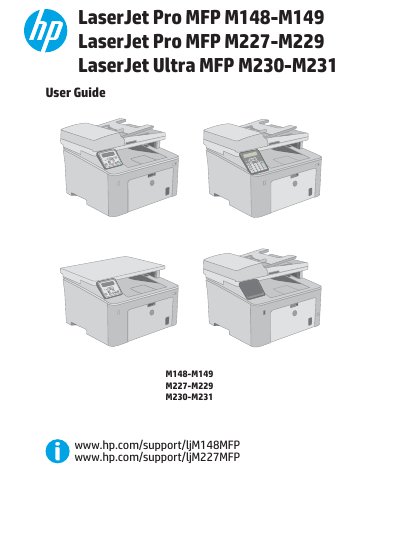
This document serves as the comprehensive user guide for the HP LaserJet Pro MFP M148-M149, M227-M229, and LaserJet Ultra MFP M230-M231 series. It provides detailed instructions on printer overview, hardware setup including paper tray loading, and software installation for Windows and OS X.
The Priority input tray is used to load paper for printing.
Users can enable the Cartridge Policy feature using the printer control panel or the HP Embedded Web Server.