
Key facts
- Brand
- HP
- Model
- MFP M139-M142 series
- Category
- Printer
- Industry
- Electronics
- Documents
- 3
- Languages
- RU · EN · ZH
- Last added
- 2026-11-17
Start here
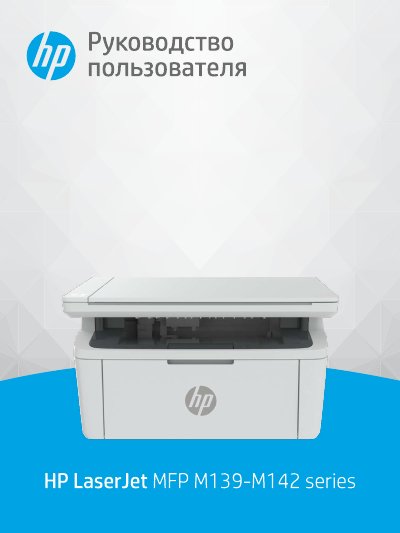
HP LaserJet MFP M139-M142 Series Laser Printer User Manual
This HP user manual covers the LaserJet MFP M139-M142 Series laser printer. It describes getting started, printer components and control panel functions, and connecting the printer to a computer or Wi-Fi network.
The manual also explains printing from Windows, Mac, and mobile devices, copying and scanning, printer settings, toner cartridge replacement, troubleshooting, technical specifications, warranty, and regulatory information. This manual is written in Russian.
All HP MFP M139-M142 series documents by type
Day-to-day operation, settings and troubleshooting. Start here if the product is already set up.
Questions answered in these manuals
How do I connect the printer to a Wi-Fi network?
Use HP Smart or connect in Wi-Fi Protected Setup (WPS) mode.
From: HP LaserJet MFP M139-M142 Series Laser Printer User Manual
What safety precautions should be followed when cleaning the printer?
You must unplug the product from wall outlets before cleaning it.
Where should the printer be installed regarding water and cords?
Do not install or use the product near water or when you are wet, and ensure the line cord cannot be damaged.
How can I connect the printer to a Wi-Fi network?
The guide describes connecting the printer to a Wi-Fi network using HP Smart or Wi-Fi Protected Setup (WPS).
Where can I find printer specifications?
Appendix A contains the printer specifications.