
Key facts
- Brand
- HP
- Model
- 586
- Category
- Printer
- Industry
- Electronics
- Documents
- 2
- Languages
- EN
- Last added
- 2026-11-16
Start here
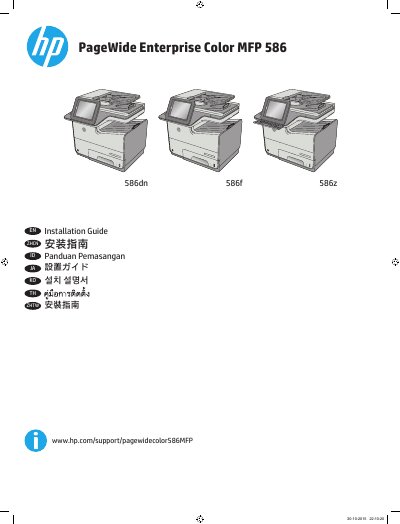
HP PageWide Enterprise Color MFP 586 Installation Guide
This guide provides step-by-step instructions for installing the HP PageWide Enterprise Color MFP 586 series printer. It covers selecting a suitable location, connecting power and network cables, installing cartridges, and configuring language and time settings. The guide includes multilingual instructions for different regions and languages.
Key steps include placing the printer in a well-ventilated area, connecting the power cable to a grounded outlet, setting language and time zone via the control panel, and installing toner cartridges. Optional steps include installing keyboard overlays for specific languages and connecting fax cables with appropriate adapters.
All HP 586 documents by type
Mounting, wiring and first power-up. Read it before the hardware goes in.
Questions answered in these manuals
Where should I place the printer?
Select a sturdy, well-ventilated, dust-free area, away from direct sunlight.
From: HP PageWide Enterprise Color MFP 586 Installation Guide
What power supply does the printer use?
The printer uses 100-240 Vac 50/60 Hz.
From: HP PageWide Enterprise Color MFP 586 Installation Guide
How do I determine the current firmware version on the device?
Use the control panel to print the Configuration page, then look in the Device Information section for the firmware datecode and revision.
From: HP PageWide Enterprise Color MFP 586 Series Firmware Readme
Can this firmware be updated using FTP, LPR, or port 9100?
No, this firmware file requires an interactive update method.
From: HP PageWide Enterprise Color MFP 586 Series Firmware Readme