
Key facts
Start here
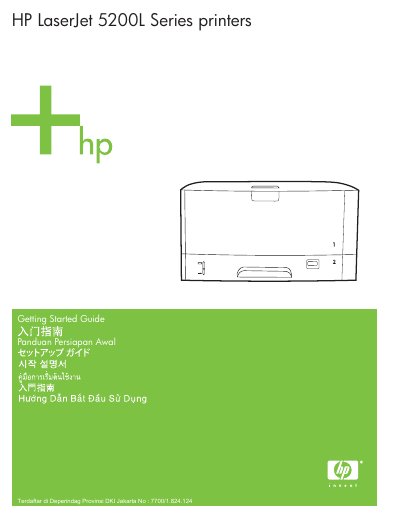
HP LaserJet 5200L Series Printers Getting Started Guide
This document serves as a getting started guide for the HP LaserJet 5200L Series printers. It covers essential initial setup steps including unpacking the printer, selecting an appropriate location, loading paper trays, and installing print cartridges.
The guide also details how to connect the power cord, configure the language settings on the control panel, and install the necessary software drivers via CD-ROM or USB/Parallel connection.
HP 5200L specifications
| Print speed | 25 ppm |
|---|---|
| Resolution | 1200 dpi-effective |
| Processor | 460 MHz |
| Standard Memory | 32 MB |
| Maximum Memory | 128 MB |
| Duty cycle | 50,000 pages per month |
| Input capacity | 350 sheets |
| Output capacity | 250 sheets |
| Dimensions | 490 by 563 by 275 mm |
| Weight | 20.2 kg |
All HP 5200L documents by type
Day-to-day operation, settings and troubleshooting. Start here if the product is already set up.
Questions answered in these manuals
What is the print speed of the HP LaserJet 5200L?
The printer offers fast print speeds up to 25 pages per minute for letter and A4 paper.
How quickly does the printer produce the first page?
Instant-on Technology delivers the first page in less than 10 seconds from PowerSave mode.
What connection types are supported for installing software?
The printer supports USB and Parallel connections for software installation.
From: HP LaserJet 5200L Series Printers Getting Started Guide
What is the minimum width required for the area where the printer should be positioned?
You must select an area that is at least 490 mm (19 inches) wide.
From: HP LaserJet 5200L Series Printers Getting Started Guide