
This document introduces the features and functions of the HP Deskjet 6800 series printers, including built-in networking, ink backup mode, cancel printing button, printing multiple pages on a single sheet of paper, borderless printing, digital photo printing, etc. It also introduces optional accessories such as automatic duplex printing accessory, 250-sheet plain paper tray accessory, etc.
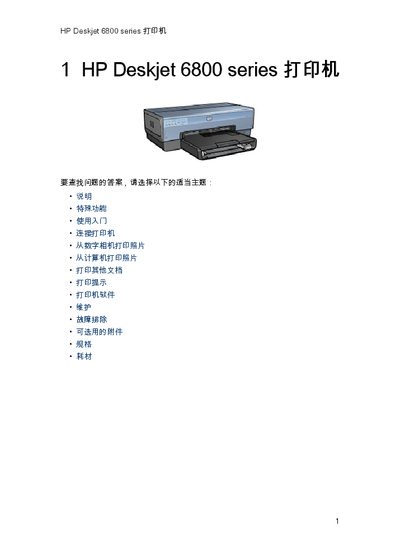
This manual explains the special features of the HP Deskjet 6800 Series printer, including built‑in networking, ink‑backup mode, cancel‑print button, borderless printing, and optional accessories such as automatic duplex units and extra paper trays. It also describes the printer’s hardware components, buttons, indicators, paper handling paths, and PictBridge port.
Step‑by‑step instructions cover turning the printer on and off, loading paper and envelopes, using the photo/ envelope feeder, printing from a computer or camera, adjusting print settings, and troubleshooting common issues such as paper jams, low ink, and power problems. Environmental and recycling information is provided at the end of the guide. This manual is written in Chinese.
Press the “Cancel Print” button on the printer to stop the current job.
Use the power button; press it briefly to turn the printer on, and press it again to shut it down.
The indicator lights indicate whether the ink cartridge is full, low, or requires service.