
Step-by-step instructions for setting up and connecting the HP Deskjet 6800 Series printer to a network or computer.
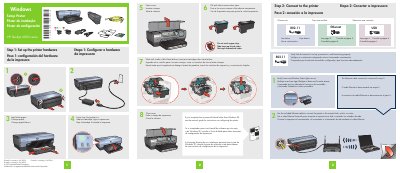
This guide provides instructions for hardware setup and network connection of the HP Deskjet 6800 Series printer. It covers connecting via Ethernet or USB, installing software using the included CD, and verifying network status lights. The guide also includes troubleshooting tips for firewall settings and cable connections.
The document is multilingual, with instructions in Spanish, Portuguese, and English, and includes diagrams for inserting print cartridges and using printer buttons. This manual is written in Spanish.
Use the included Ethernet cable to connect the printer to a network hub, switch, or router.
Check the cable connections.
Insert the CD and follow the onscreen instructions to install the software on each computer that will use the printer.