
Key facts
Start here
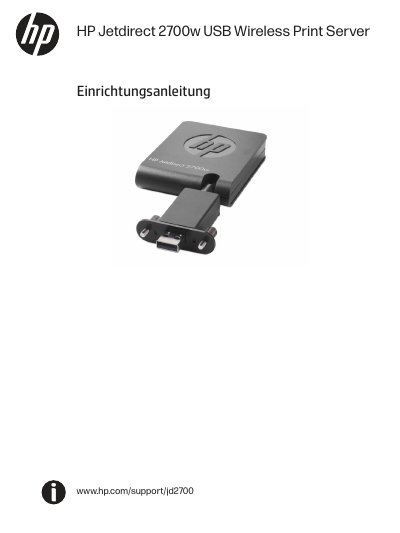
HP Jetdirect 2700W USB Wireless Print Server Setup Guide
This document provides setup instructions for the HP Jetdirect 2700W USB Wireless Print Server. It details the requirements for installation, including supported operating systems and printer models, and explains how to connect the device to a printer via USB. The guide also covers the process of updating printer firmware to ensure compatibility. This manual is written in German.
Read onlineAll HP 2700W documents by type
Day-to-day operation, settings and troubleshooting. Start here if the product is already set up.
How to use the product for one specific task, with worked examples.
Questions answered in these manuals
Can I install more than one HP Jetdirect 2700W on a single printer?
No, installing more than one HP Jetdirect 2700W on the same printer will result in an error message.
From: HP Jetdirect 2700W USB Wireless Print Server Setup Guide
Can I use an HP Jetdirect 2700W and an HP Jetdirect 2800W on the same printer?
No, these print servers cannot be used simultaneously on one printer.
From: HP Jetdirect 2700W USB Wireless Print Server Setup Guide
Which RIP software is certified for HP Latex 2700/2700 W printers?
ONYX and CALDERA RIPs have been certified for these printer series.
From: HP Latex 2700/2700 W Printer Series Wallcoverings User Manual
What is the recommended overlap for wallcovering tiles?
The recommended overlap is 1-3 cm, with a maximum of 5 cm.
From: HP Latex 2700/2700 W Printer Series Wallcoverings User Manual
What base materials are commonly used for window blinds?
Polyester fabrics, PVC screens, and other materials such as cotton or natural fibers.
From: HP Latex 2700/2700W Printer Series Window Blinds Printing Guide
When should the ink collector be installed?
It should be installed when the fabric is porous.
From: HP Latex 2700/2700W Printer Series Window Blinds Printing Guide