
Key facts
- Brand
- HP
- Model
- Officejet J6400 All-in-One
- Category
- Printer
- Industry
- Electronics
- Documents
- 3
- Languages
- ZH
- Last added
- 2026-11-17
Start here
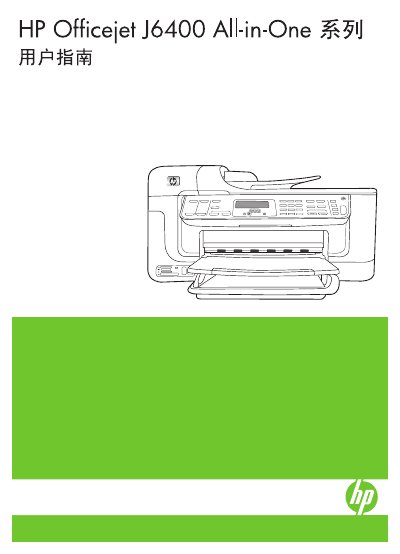
HP Officejet J6400 All-in-One User Manual
This user manual covers the HP Officejet J6400 All-in-One series printer. It describes device parts, connections, and basic setup.
The guide includes instructions for printing, copying, scanning, faxing, and using memory cards, plus configuration, network setup, maintenance, and troubleshooting. This manual is written in Chinese.
All HP Officejet J6400 All-in-One documents by type
Day-to-day operation, settings and troubleshooting. Start here if the product is already set up.
Questions answered in these manuals
Does the product support Secure Digital memory cards?
Yes, the product supports Secure Digital memory cards.
Are there user-serviceable parts inside the product?
No, there are no user-serviceable parts inside the product; consult qualified service personnel.
What safety precaution should be taken when connecting the product to power?
You must use a grounded power outlet when connecting the product.
Can users repair parts inside the product themselves?
No, there are no user-serviceable parts inside the product.
What should be done before cleaning the product?
Unplug the power cord from the wall outlet before cleaning the product.
Does the manual explain wireless network setup?
Yes, it describes setting up wireless communication using the control panel or installation software.