
Key facts
- Brand
- HP
- Model
- Latex 2700/2700 W
- Category
- Printer
- Industry
- Electronics
- Documents
- 2
- Languages
- EN
- Last added
- 2026-11-17
Start here
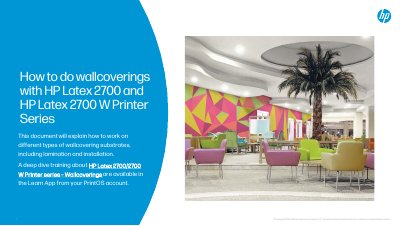
HP Latex 2700/2700 W Printer Series Wallcoverings User Manual
This document provides guidance on producing wallcoverings with the HP Latex 2700 and HP Latex 2700 W Printer series. It covers the entire workflow from selecting appropriate substrates and preparing the job in RIP software to the printing process and final installation.
The guide details substrate characteristics, such as paper, non-woven, and fabric, and provides technical tips for ensuring color and length consistency across tiles. It also includes instructions for post-print finishing, including optional liquid lamination and wall preparation for installation.
All HP Latex 2700/2700 W documents by type
Day-to-day operation, settings and troubleshooting. Start here if the product is already set up.
How to use the product for one specific task, with worked examples.
Questions answered in these manuals
Which RIP software is certified for HP Latex 2700/2700 W printers?
ONYX and CALDERA RIPs have been certified for these printer series.
From: HP Latex 2700/2700 W Printer Series Wallcoverings User Manual
What is the recommended overlap for wallcovering tiles?
The recommended overlap is 1-3 cm, with a maximum of 5 cm.
From: HP Latex 2700/2700 W Printer Series Wallcoverings User Manual
What base materials are commonly used for window blinds?
Polyester fabrics, PVC screens, and other materials such as cotton or natural fibers.
From: HP Latex 2700/2700W Printer Series Window Blinds Printing Guide
When should the ink collector be installed?
It should be installed when the fabric is porous.
From: HP Latex 2700/2700W Printer Series Window Blinds Printing Guide