
This document provides instructions and features of Extech Digital Light Meter 401025.
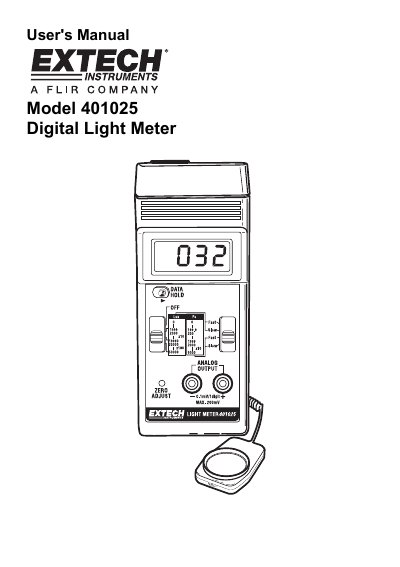
This manual provides instructions for the Extech 401025 Digital Light Meter, a professional instrument for measuring illuminance in Lux and Foot-candles. It details how to select measurement ranges, adjust the zero setting, and interpret readings using range multipliers. The device features a 13 mm LCD display, manual zero adjustment, and an analog output terminal for data logging.
| Display | 13 mm (0.5") LCD |
|---|---|
| Measurement Units | Lux, Ft-candle (Fc) |
| Lux Ranges | 0 to 50,000 Lux, 3 ranges |
| Foot-candle Ranges | 0-5,000 Fc, 3 ranges |
| Sampling Time | Approx. 0.4 sec |
| Response Time | Fast: 0.25s; Slow: 1s |
| Analog Output | 0.1 mV/1 digit, max. output :200mV |
| Operating Temperature | 0°C to 50°C (32°F to 122°F) |
| Power Supply | 9V battery |
| Weight | 220g / 0.52LB |
Slide the "Data Hold Switch" to the "hold" position to freeze the reading.
An "I" indicates an Over Range; switch to a higher range.
Cover the sensor to block light, set the switch to the lowest range, and use a small screwdriver to adjust the "Zero" control.
The meter requires a 9V battery.