
This document is an introduction to the DSL-G604T Wireless ADSL Router, including its features, specifications, and pre-installation requirements.
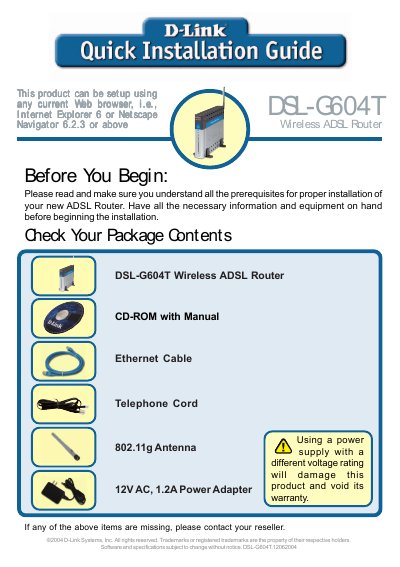
This guide provides a brief hardware overview of the D-Link DSL‑G604T wireless ADSL router, describing the front and rear panel LEDs, ports, antenna, and reset button. It also lists the items included in the package and the required power adapter.
The document walks you through connecting the telephone line, Ethernet cable, and power adapter, then shows how to access the router’s web interface at http://192.168.1.1, log in with the default admin credentials, and run the Setup Wizard to configure password, time zone, and Internet connection type (Dynamic IP, Static IP, PPPoE/PPPoA, or Bridge Mode). An appendix provides a checklist of ISP settings.
| Power Adapter | 12V AC, 1.2A |
|---|---|
| Wireless Standard | 802.11g |
Press and hold the Reset button on the rear panel for seven seconds.