
Quick installation guide for the D-Link DAP-1360 Wireless N Access Point, covering system requirements, setup steps, and configuration instructions.
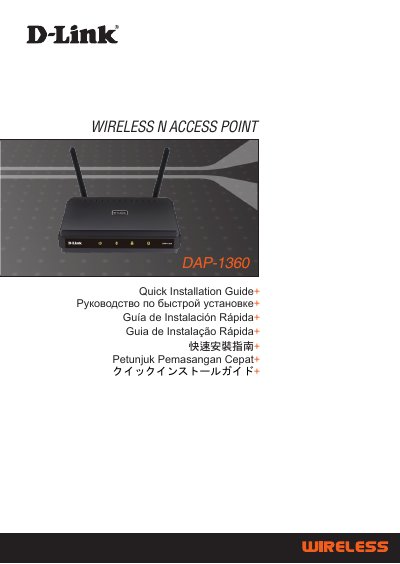
This document serves as a Quick Installation Guide for the D-Link DAP-1360 Wireless N Access Point. It outlines the necessary system requirements, including compatible operating systems and web browsers, and lists the items included in the package such as the device, antennas, power adapter, and Ethernet cable.
The guide provides step-by-step instructions for physical setup, including connecting the power adapter and antennas, and establishing an Ethernet connection. It also details the initial configuration process via a web browser, covering login credentials, operation mode selection, and setting up wireless security using WEP or WPA encryption.
| Power Input | 5VDC 2.5A |
|---|---|
| Default IP Address | 192.168.0.50 |
| Default Username | admin |
| Default Password | blank |
| Wireless Standard | 802.11n |
You need a computer with an Internet browser such as Microsoft Internet Explorer 6.0 or above, Netscape Navigator 7.0 or above, or FireFox 1.5 or above.
The default IP address is http://192.168.0.50.
The default username is 'admin' and the password field should be left blank.