
D-Link DAP-1360 User Manual introduces the features of DAP-1360. DAP-1360 is compatible with Wi-Fi IEEE 802.11n, and can connect other wireless client devices that are compatible with Wi-Fi IEEE 802.11n or work together with it. DAP-1360 is backward compatible with 802.11b/g, and can be flexibly configured to work in seven different modes: access point, wireless client, bridge, AP with bridge, repeater, WISP client router or WISP repeater. With the installation wizard, DAP-1360 can ensure you connect to a wireless network in a few minutes.
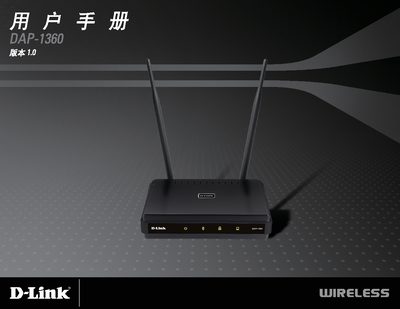
The D-Link DAP-1360 is a wireless access point that supports 802.11n, 802.11g, and 802.11b standards, offering up to 300 Mbps data rates and multiple operating modes including AP, bridge, and WISP client.
The manual details hardware installation, security settings such as WPA‑PSK and WPA‑EAP, configuration of seven operation modes, static IP setup, and provides full technical specifications including dimensions, weight, temperature ranges, and power requirements. This manual is written in Chinese.
| 运行频率 | 2.4到2.4835 GHz |
|---|---|
| 运行信道 | FCC: 11 - ETSI: 13 |
| 数据调制模式 | DQPSK, DBPSK, CCK, OFDM |
| 安全 | 64/128-bit WEP数据加密 - WPA-PSK, WPA2-PSK - WPA-EAP, WPA2-EAP - TKIP, AES - MAC地址过滤 - SSID广播禁用功能 |
| 天线 | 2根带有RP-SMA连接器的5dBi Gain可拆卸全向天线 |
| 尺寸 | 144 (W) x 109 (D) x 30 (H) mm |
| 重量 | 229grams |
| 运行温度 | 0°C到55° C |
The device supports Windows XP, Windows Vista, Windows 2000, Mac OS 10.X, and Linux.
The device provides 5VDC at 2.5A through its external power adapter.