
Key facts
- Brand
- Brother
- Model
- MFC-230C
- Category
- All-in-one printer
- Industry
- Computers
- Documents
- 2
- Languages
- ZH
- Last added
- 2012-04-01
Start here
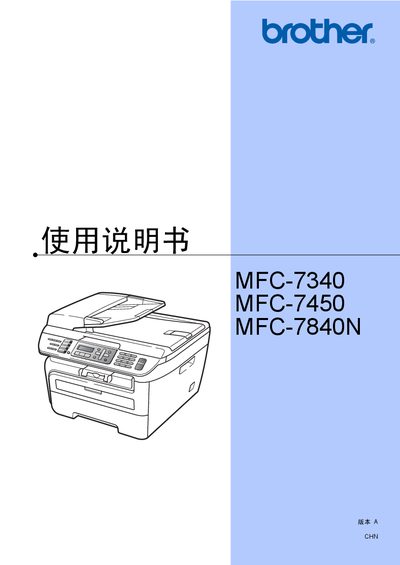
brother MFC-7340 MFC-230C Manual
This manual covers the complete operation of Brother's MFC-7340, MFC-7450, and MFC-7840N multifunction printers, including installation, paper handling, fax, telephone, copy, scan, safety features, and troubleshooting. It also provides detailed specifications, maintenance procedures, and regulatory information.
The document is organized into sections such as Overview, Paper Handling, General Settings, Safety Features, Fax Operations, Phone and External Devices, Copy Functions, Software and Network Features, and Appendices for safety regulations and maintenance. Users can find step‑by‑step instructions, recommended paper types, and guidance for resolving common issues. This manual is written in Chinese.
Brother MFC-230C specifications
| Paper tray capacity | 250 sheets of 80 g/m² paper |
|---|---|
| Supported paper sizes | A4, Letter, Executive, A5, A6, B5, B6 |
| Maximum transparency sheets | 10 sheets |
| Safety standard | IEC60825-1+A2:2001 |
Source: brother MFC-7340 MFC-230C Manual
All Brother MFC-230C documents by type
Day-to-day operation, settings and troubleshooting. Start here if the product is already set up.
Questions answered in these manuals
How many sheets can the paper tray hold?
The paper tray can hold up to 250 sheets of 80 g/m² paper.
Can I use inkjet paper in this printer?
No, using inkjet paper may cause paper jams or damage the device.
Can I use non‑Brother ink cartridges?
Brother does not recommend using ink or cartridges other than genuine Brother ones and does not guarantee best results; using non‑Brother consumables may void the warranty.
Is the manual valid for use outside the country where the device was purchased?
Brother states that if the product is used in a country other than the original purchase country, it may not function properly and Brother provides no guarantee.