
Key facts
- Brand
- Brother
- Model
- MFC-210C
- Category
- All-in-one printer
- Industry
- Computers
- Documents
- 6
- Languages
- EN · NO · ZH
- Last added
- 2012-05-08
Start here
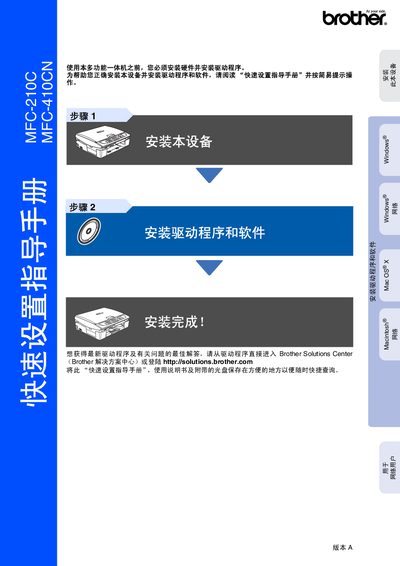
Brother MFC-210C / MFC-410CN Quick Start Guide
The guide provides step‑by‑step instructions for installing the hardware, loading paper, connecting power and telephone lines, and installing ink cartridges. It also explains how to install the required drivers and software for Windows and Mac OS X.
After installation, the manual describes basic operation of the control panel, fax, copy, and scan functions, and offers tips for troubleshooting common issues. This manual is written in Chinese.
Brother MFC-210C specifications
| Black Ink Cartridge (LC41BK) page yield | up to 500 pages |
|---|---|
| Cyan Ink Cartridge (LC41C) page yield | up to 400 pages |
| Magenta Ink Cartridge (LC41M) page yield | up to 400 pages |
| Yellow Ink Cartridge (LC41Y) page yield | up to 400 pages |
All Brother MFC-210C documents by type
Day-to-day operation, settings and troubleshooting. Start here if the product is already set up.
The shortest path to a working setup, usually only a few pages.
Questions answered in these manuals
How do I register my Brother MFC-210C or MFC-420CN?
Register the product online at http://www.brother.com/registration or complete the warranty registration sheet and fax it.
What is the warranty period for the machine and consumables?
The machine is covered for one year from the purchase date; consumable and accessory items are covered for 90 days or their rated life, whichever comes first.
What is the black‑and‑white copy speed of the MFC-210C?
The MFC-210C can copy black‑and‑white pages at up to 17 pages per minute (A4 paper).
How much memory does the MFC-410CN have?
The MFC-410CN is equipped with 16 MB of memory.
How do I install the printer hardware?
Remove the protective parts, load paper, connect the power and telephone cables, install the ink cartridges, and perform a print quality check as described in steps 1‑6.
Which operating systems are supported?
The printer works with Windows 98/98SE/Me/2000 Professional and Mac OS X 10.2.4 or later.