
This user manual provides instructions and features of the MFC-7340, MFC-7450, and MFC-7840N devices. It covers topics such as paper loading, document feeding, general settings, and security features.
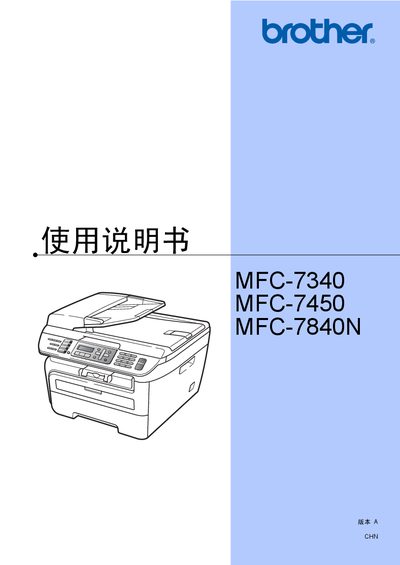
This manual covers the complete operation of Brother's MFC-7340, MFC-7450, and MFC-7840N multifunction printers, including installation, paper handling, fax, telephone, copy, scan, safety features, and troubleshooting. It also provides detailed specifications, maintenance procedures, and regulatory information.
The document is organized into sections such as Overview, Paper Handling, General Settings, Safety Features, Fax Operations, Phone and External Devices, Copy Functions, Software and Network Features, and Appendices for safety regulations and maintenance. Users can find step‑by‑step instructions, recommended paper types, and guidance for resolving common issues. This manual is written in Chinese.
| Paper tray capacity | 250 sheets of 80 g/m² paper |
|---|---|
| Supported paper sizes | A4, Letter, Executive, A5, A6, B5, B6 |
| Maximum transparency sheets | 10 sheets |
| Safety standard | IEC60825-1+A2:2001 |
The paper tray can hold up to 250 sheets of 80 g/m² paper.
No, using inkjet paper may cause paper jams or damage the device.
It complies with IEC60825-1+A2:2001.
No, it is only for devices sold and used in Mainland China.