
This is a user's guide for MFC-210C MFC-410CN
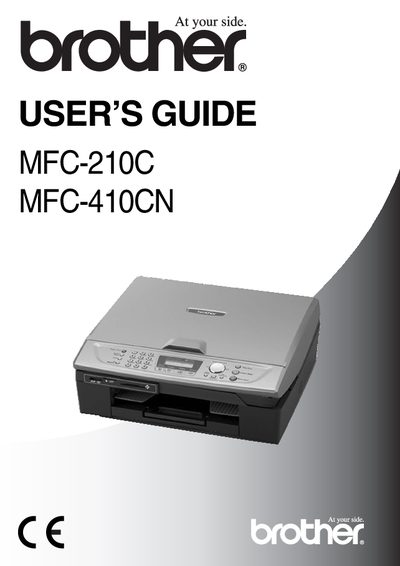
This guide covers the installation, configuration, and everyday use of the Brother MFC-210C and MFC-410CN multifunction devices, including fax, copy, scan, and printing functions. Safety precautions, recommended operating environment, and basic troubleshooting are also included.
Key sections include an introduction, initial setup, fax operations, copy and scan procedures, remote retrieval features for the MFC-410CN, and detailed specifications of memory, power consumption, paper handling, and performance.
| Memory Capacity | 8 MB (MFC-210C) / 16 MB (MFC-410CN) |
|---|---|
| Paper Tray Capacity | 100 sheets (80 g/m²) |
| Printer Type | Ink Jet |
| Power Source | 220‑240 V 50/60 Hz |
| Dimensions | 322 mm × 345 mm × 400 mm |
| Weight | 5 kg |
| Noise Level | 42.5 – 51 dB |
| Copy Speed (Black) | Up to 17 pages/min (A4) |
| Resolution | Up to 600 × 1200 dpi (plain) / 1200 × 1200 dpi (OHP) |
The MFC-210C can copy black‑and‑white pages at up to 17 pages per minute (A4 paper).
The MFC-410CN is equipped with 16 MB of memory.
The devices should be used in an environment where the temperature stays between 10 °C and 35 °C.
Dial the fax number, then enter the three‑digit remote access code followed by * to access remote retrieval functions.