
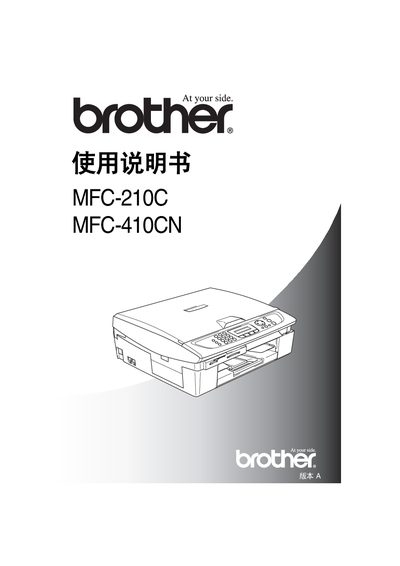
This manual covers safety precautions, installation requirements, and environmental limits for the MFC‑210C and MFC‑410CN. It explains how to place the unit on a stable surface, connect to a grounded power outlet, and avoid hazards such as water, lightning, and gas leaks.\n\nThe guide details everyday functions including copying, scanning, faxing, and paper handling. It includes quick‑reference steps, initial setup of date/time, fax numbers, and remote‑access password configuration, as well as troubleshooting tips for common issues. This manual is written in Chinese.
| Operating temperature range | 10°C to 35°C |
|---|---|
| Maximum fax number length | 20 digits |
| Remote access password range | 000‑999 (3 digits) |
Unplug the telephone line and the power cord before cleaning the MFC unit.
The device should be used in an environment between 10 °C and 35 °C.
The remote access password is a three‑digit number ranging from 000 to 999.