
The KVM Switch KH1508 / KH1516 User Manual is a user manual that provides instructions and technical specifications for the KH1508 / KH1516 KVM switch.
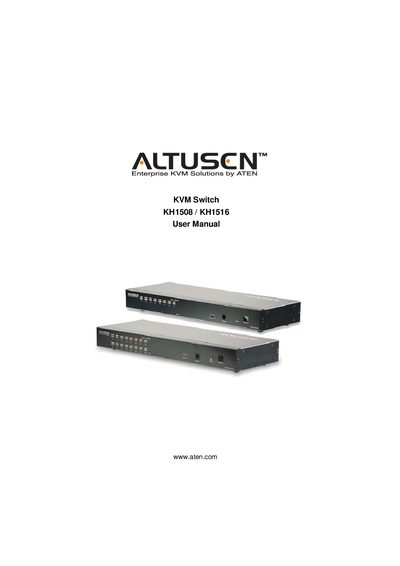
This manual provides step‑by‑step instructions for installing and configuring the ATEN KH1508 / KH1516 KVM switch, including hardware setup, cable connections, rack mounting, and basic operation. It also describes the on‑screen display (OSD) functions, keyboard hotkey features, and keyboard emulation tables for PC, Mac, and Sun keyboards.
Additional sections cover firmware upgrade procedures, safety instructions, troubleshooting tips, and technical specifications. The document includes registration information, FCC and RoHS compliance statements, and warranty details.
Yes, the manual states that the product is an FCC Class A device and complies with the limits for a Class A digital device.
Yes, the manual confirms that the product is RoHS compliant.
Product registration can be done online via ATEN’s support website at http://support.aten.com or the regional ATEN‑USA site.