
This is the user manual for the ATEN KH-1508 and KH-1516 Cat 5 High-Density KVM Switches, covering installation, operation, OSD functions, and firmware…
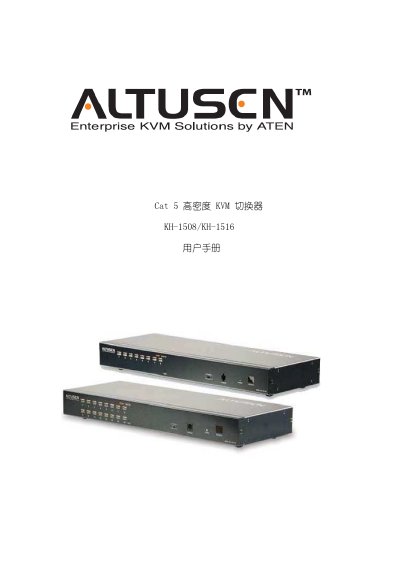
This document serves as the user manual for the ATEN KH-1508 and KH-1516 Cat 5 High-Density KVM Switches. It provides comprehensive instructions on rack mounting, package contents, and basic operations including port selection, OSD navigation, and hotkey usage. The guide also details how to configure the device via the On-Screen Display (OSD) menu. This manual is written in Chinese.
| Direct Computer Connections | 8 (KH-1508) / 16 (KH-1516) |
|---|---|
| Power Rating | AC-100-240V 50/60Hz |
| Power Consumption | 25W (KH-1508) / 27W (KH-1516) |
| Operating Temperature | 0 – 50 ℃ |
| Weight | 2.7 kg |
The package includes the KVM switch, firmware update cable, power cord, rack mounting tools, foot pads, registration card, user manual, and quick installation guide.
Cut the power, open the case, short-circuit the J8 jumper, turn on the power to clear the password, remove the jumper, close the case, and restart.
The default scan interval is set to 5 seconds.