
This is a user manual for ATEN's CE252 KVM extender.
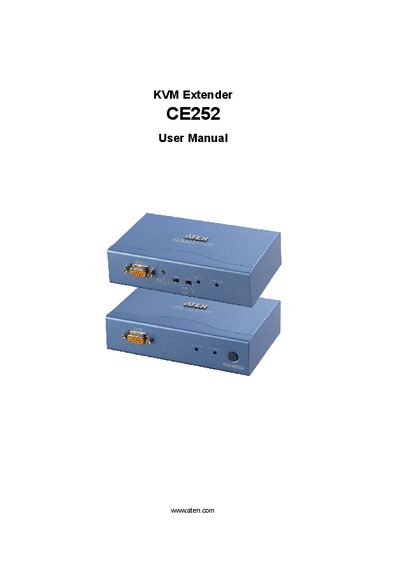
This manual covers the ATEN CE252 KVM Extender, a device that extends keyboard, video, and mouse signals between a local and a remote unit. It includes safety information, package contents, and warranty details.
Key sections include an Introduction, Hardware Setup (rack mounting, grounding, and installation), Operation (access methods, hotkeys, and video settings), specifications, and a Troubleshooting appendix with common problems and solutions.
Make sure that all cables are securely plugged into their sockets.
Reduce the refresh rate to improve video quality.
Verify that the power from the local computer(s) is sufficient and use a power adapter with the same specifications as provided.