
Key facts
- Brand
- Siemens
- Model
- XT55
- Industry
- Electronics
- Documents
- 2
- Languages
- EN
- Last added
- 2012-05-04
Start here
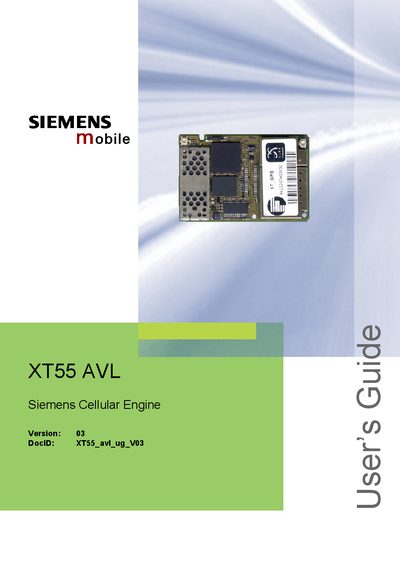
Siemens XT55 AVL User's Guide
The XT55 module integrates GSM, GPRS and GPS functions and includes Automatic Vehicle Location (AVL) software. This guide describes the module’s hardware configuration, software interface, and how to configure and evaluate the XT55 AVL firmware using a Windows HyperTerminal.
It also provides detailed information on command syntax, NMEA output messages, power‑on/off procedures, and an example application with a Li‑ion battery pack and GSM antenna. Technical specifications such as average supply current are listed in the final tables.
Siemens XT55 specifications
| Default baud rate | 4800 bps |
|---|---|
| Data bits | 8 |
| Parity | None |
| Stop bits | 1 |
| Flow control | None |
All Siemens XT55 documents by type
Day-to-day operation, settings and troubleshooting. Start here if the product is already set up.
Questions answered in these manuals
How do I set up the terminal emulator for the XT55 module?
Use Windows HyperTerminal (or another terminal program) and configure the COM port to 4800 bps, 8 data bits, no parity, 1 stop bit, and no flow control.
How can I download AVL software into the XT55 module?
Run the SiRFflash utility, connect the XT55 to the evaluation board, press reset, select the GPS COM port, browse to the AVL file, and click EXECUTE.