
Key facts
- Brand
- Siemens
- Model
- TP 177A
- Industry
- Industrial
- Documents
- 2
- Languages
- ZH
- Last added
- 2011-09-24
Start here
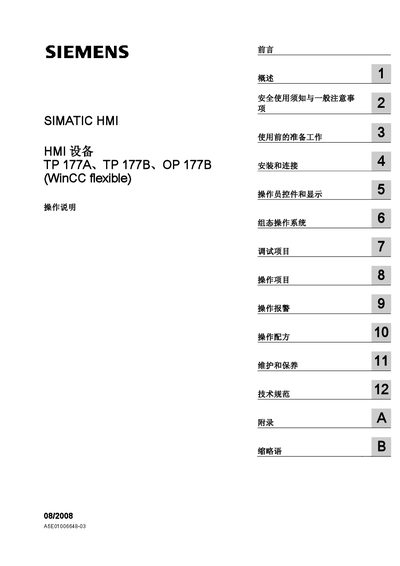
Siemens SIMATIC HMI TP 177A/TP 177B/OP 177B Operating Instructions
This manual provides operating instructions for the Siemens SIMATIC HMI devices TP 177A, TP 177B and OP 177B. It is intended for users, commissioning engineers, service technicians and maintenance personnel who work with WinCC flexible‑based HMI systems.
The document covers safety information, preparation, installation and wiring, operator controls, screen configuration, alarm handling, recipe management, troubleshooting, and maintenance procedures. It also lists technical specifications and optional software add‑ons for the devices. This manual is written in Chinese.
Siemens TP 177A specifications
| Discrete alarm count (TP 177A) | 1000 |
|---|---|
| Analog alarm count (TP 177A) | 20 |
| Alarm text length | 80 characters |
| Variable number (TP 177A) | 500 |
| Screen objects per screen (TP 177A) | 30 |
Source: Siemens SIMATIC TP 177A, TP 177B, OP 177B User Manual
All Siemens TP 177A documents by type
Day-to-day operation, settings and troubleshooting. Start here if the product is already set up.
Questions answered in these manuals
What does the warning triangle symbol indicate in the safety section?
It marks personal safety warnings that could cause death or serious injury.
Who is allowed to install and operate the HMI devices?
Only qualified professionals may install, connect, and operate the equipment.
From: Siemens SIMATIC HMI TP 177A/TP 177B/OP 177B Operating Instructions
What safety symbols are used in the manual?
A warning triangle indicates personal safety warnings, while other symbols indicate property‑damage warnings.
From: Siemens SIMATIC HMI TP 177A/TP 177B/OP 177B Operating Instructions