
Key facts
- Brand
- Siemens
- Model
- WinAC MP 2007
- Category
- Automation control Equipment
- Industry
- Industrial
- Documents
- 2
- Languages
- ZH
- Last added
- 2000-01-01
Start here
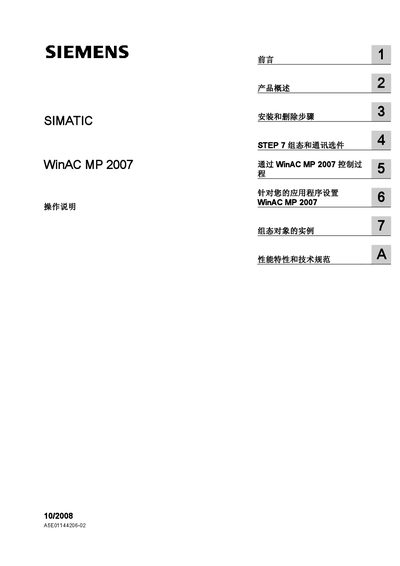
Siemens WinAC MP 2007 User Manual
The document begins with safety‑technical tips, explaining the warning symbols used for personal injury and property‑damage hazards and stating that only qualified professional personnel may install and operate the system. It also outlines the legal notice, trademark information and the scope of the manual.
Subsequent chapters cover installation and removal procedures, STEP 7 configuration, communication options (Industrial Ethernet, PROFIBUS, USB), creation of STEP 7 projects, runtime settings, function‑key assignments, archiving and restoring, and a glossary. The manual is intended for users familiar with automation engineering, WinCC flexible and STEP 7, and it applies to WinAC MP 2007 V4.0 and later versions running on Windows CE. This manual is written in Chinese.
Siemens WinAC MP 2007 specifications
| Operating System | Windows CE |
|---|---|
| Supported HMI Devices | MP 277 8" Touch, MP 277 10" Touch, MP 377 12" Touch, MP 377 15" Touch, MP 377 19" Touch |
| Required Software Version | WinAC MP 2007 V4.0 or later |
All Siemens WinAC MP 2007 documents by type
Day-to-day operation, settings and troubleshooting. Start here if the product is already set up.
Questions answered in these manuals
What do the warning symbols in the manual indicate?
A warning triangle marks personal‑safety hazards, while messages without the triangle refer only to property‑damage risks.