
This manual introduces the use and precautions of XT55 GPS starter
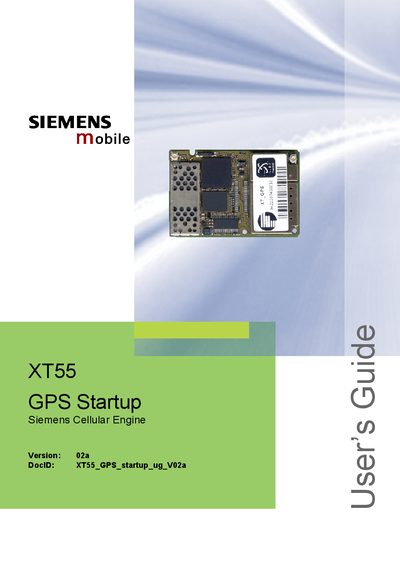
The XT55 GPS Startup User Guide provides step‑by‑step instructions for establishing a GPS connection with the Siemens XT55 module. It describes the required hardware connections, terminal emulator setup, and how to evaluate GPS data using SiRFdemo software.
Key sections include getting started with the Windows HyperTerminal emulator, configuring the default COM port settings, downloading AVL software via the SiRFflash utility, and an overview of the hardware components and block diagrams for both demo and optional AVL/TCP‑IP applications.
| Default baud rate | 4800 bps |
|---|---|
| Data bits | 8 |
| Parity | None |
| Stop bits | 1 |
| Flow control | None |
Use Windows HyperTerminal (or another terminal program) and configure the COM port to 4800 bps, 8 data bits, no parity, 1 stop bit, and no flow control.
Run the SiRFflash utility, connect the XT55 to the evaluation board, press reset, select the GPS COM port, browse to the AVL file, and click EXECUTE.
The XT55 GPS port defaults to 4800 bps, 8‑N‑1 with no flow control.