
Key facts
- Brand
- Siemens
- Model
- MP277
- Industry
- Industrial
- Documents
- 2
- Languages
- ZH
- Last added
- 2012-01-07
Start here
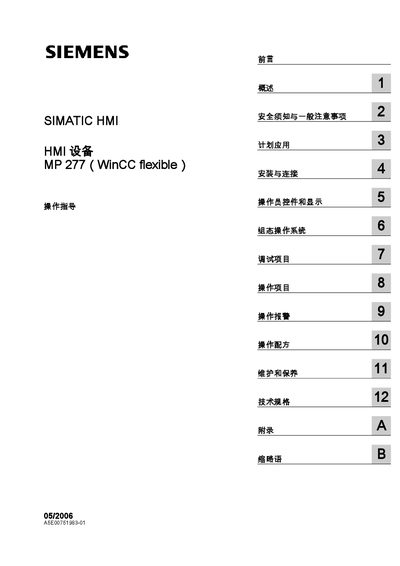
SIEMENS MP277chsuser manual
This manual provides comprehensive instructions for the Siemens MP277 human‑machine interface (HMI) devices, including the 8" Touch, 10" Touch and Key variants. It covers safety requirements, planned applications, installation, connection, operator controls, configuration, debugging, operation, and maintenance.
The document also contains technical specifications, a list of supported Siemens HMI models, and appendices with additional reference information such as networking settings, backup procedures, and contact details for Siemens support. This manual is written in Chinese.
Siemens MP277 specifications
| Screen size (Touch) | 8" or 10" |
|---|---|
| Rated voltage | see specification page |
| Rated load | see specification page |
Source: SIEMENS MP277chsuser manual
All Siemens MP277 documents by type
Day-to-day operation, settings and troubleshooting. Start here if the product is already set up.
Questions answered in these manuals
How can I download the MP277 panel using PC/PPI?
Connect the PC/PPI cable to the panel’s IF1B port, then follow the download steps described in the manual.
Which CPU modules are compatible with the MP277 panel download?
The MP277 panel supports the CPU modules 6BS7901-3BF20-0XAO, 6ES6901-3BF21-0XAO and 6ES7901-3CB30-0XA0.
What does the warning triangle symbol indicate in this manual?
A warning triangle marks safety prompts that could cause death or serious personal injury if not followed.
How can I update the HMI device firmware?
Updates can be performed via ProSave or WinCC flexible as described in the update sections of the manual.