
Key facts
- Brand
- Siemens
- Model
- PCS 7 V7.0
- Industry
- Industrial
- Documents
- 4
- Languages
- EN · ZH
- Last added
- 2012-02-19
Start here
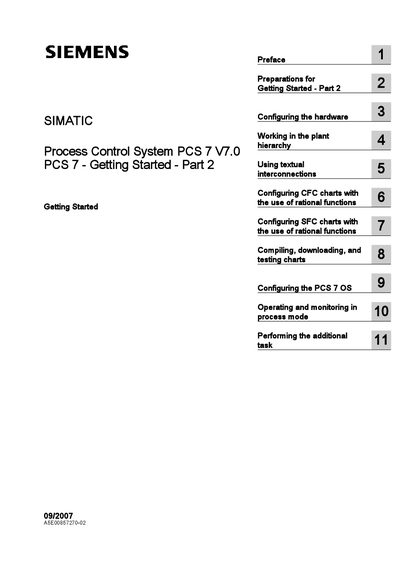
Siemens PCS 7 V7.0 Process Control System Getting Started Part 2 User Manual
The Getting Started – Part 2 guide introduces the PCS 7 functions needed for fast and effective configuration of a plant. It builds on Part 1 and is intended for users who have already completed the initial tutorial.
The document covers hardware setup, plant hierarchy management, textual interconnections, CFC and SFC chart configuration, compilation, download, OS configuration, and operation in process mode. Safety guidelines and qualified‑person requirements are also included.
All Siemens PCS 7 V7.0 documents by type
Day-to-day operation, settings and troubleshooting. Start here if the product is already set up.
Questions answered in these manuals
Where can additional support for PCS 7 be obtained?
Additional support can be obtained from a local Siemens representative; a list is available at http://www.siemens.com/automation/partner.
From: Siemens PCS 7 V7.0 Process Control System Getting Started Part 2 User Manual
Who is allowed to install and operate the system?
Only qualified professionals are permitted to install and operate the equipment and systems described in this manual.
From: Siemens PCS 7 V7.0 SP1 Fault‑Tolerant Process Control System Configuration Manual
What safety symbols are used to indicate danger levels?
The manual uses a warning triangle for personal safety warnings, and a separate set of symbols without the triangle for property‑damage warnings.
From: Siemens PCS 7 V7.0 SP1 Fault‑Tolerant Process Control System Configuration Manual