
Ricoh IM 2500/3000/3500/4000/5000/6000 Series User Guide

This is a user manual for a copier.
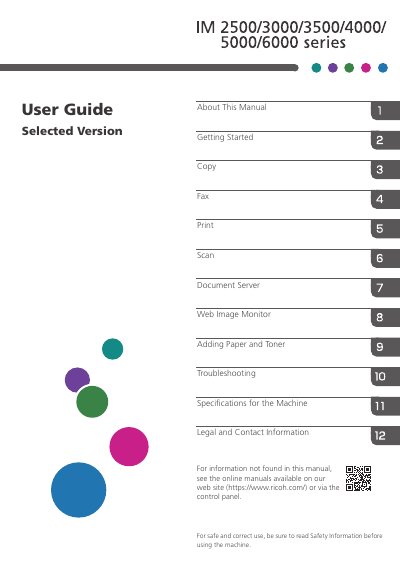

Ricoh IM 2500/3000/3500/4000/5000/6000 Series User Guide - cover page
Brand
Ricoh
Category
Printer
Document type
User Manual
Language
English
Pages
404
File format
PDF
File size
44.2 MB
Published
21 October, 2023
Updated
21 October, 2023
MD5 checksum
E42836AE42C556E3ECE3FF50710C0635

About this manual

This manual provides instructions for the Ricoh IM 2500/3000/3500/4000/5000/6000 series multifunction devices. It covers essential topics including getting started, using the control panel and touch interface, and managing user logins and security settings.

What's inside

  • About This Manual
  • Getting Started
  • Copy
  • Fax
  • Print
  • Scan
  • Document Server
  • Web Image Monitor
  • Adding Paper and Toner
  • Troubleshooting

Frequently asked questions

What is the product model series covered in this manual?

The manual covers the Ricoh IM 2500/3000/3500/4000/5000/6000 series.

What is the main purpose of this user guide?

It explains how to use the machine for copy, fax, print, and scan functions.

Where can users find additional information not in this manual?

Users can see online manuals on the web site or via the control panel.

Download PDF (44.2 MB)

More Ricoh Manuals


View all Ricoh manuals →