
Key facts
- Brand
- Philips
- Model
- SPA9350
- Category
- Home Speakers
- Industry
- Computers
- Documents
- 3
- Languages
- EN · ZH
- Last added
- 2012-03-23
Start here
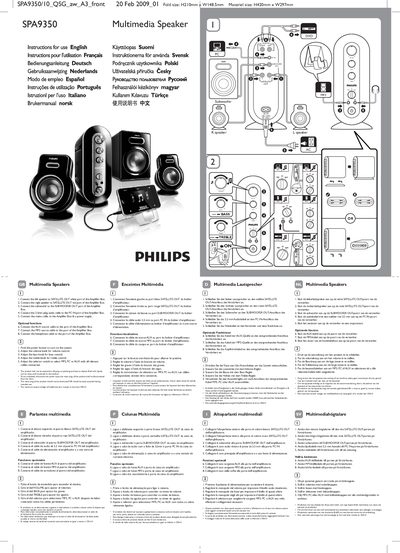
Philips SPA9350 Multimedia Speakers User Manual
This manual explains how to install and operate the Philips SPA9350 multimedia speaker set. It includes multilingual headings and step‑by‑step instructions for connecting the left and right speakers, subwoofer, and optional sources such as AUX and MP3.
The guide also covers the volume, bass, and treble controls, safety warnings about liquid exposure and power‑plug accessibility, and disposal/recycling information. Technical details such as power input range and maximum headphone output voltage are listed in the specifications section.
Philips SPA9350 specifications
| Power supply voltage | 100‑240 V |
|---|---|
| Material size | H420 mm × W297 mm |
| Fold size | H210 mm |
All Philips SPA9350 documents by type
Day-to-day operation, settings and troubleshooting. Start here if the product is already set up.
Questions answered in these manuals
How do I connect the speakers and subwoofer?
Connect the left speaker to the white SATELLITE OUT port, the right speaker to the red SATELLITE OUT port, and the subwoofer to the SUBWOOFER OUT port of the amplifier box.
How do I turn the system on?
Press the power button on the amplifier box to switch the system on.
What is the total audio output power of the SPA9350?
The system delivers a total audio power of 100 W.
How can I connect an iPod or MP3 player to the SPA9350?
Use the dedicated iPod/MP3 socket on the control unit, which is designed for iPod and MP3 playback.
What are the frequency ranges of the satellite speakers and the subwoofer?
The satellite speakers cover 100 Hz to 20 kHz, while the subwoofer covers 50 Hz to 6 kHz.