
Key facts
- Brand
- Philips
- Model
- S4405
- Category
- Home Speakers
- Industry
- Electronics
- Documents
- 2
- Languages
- SR · ZH
- Last added
- 2026-11-11
Start here
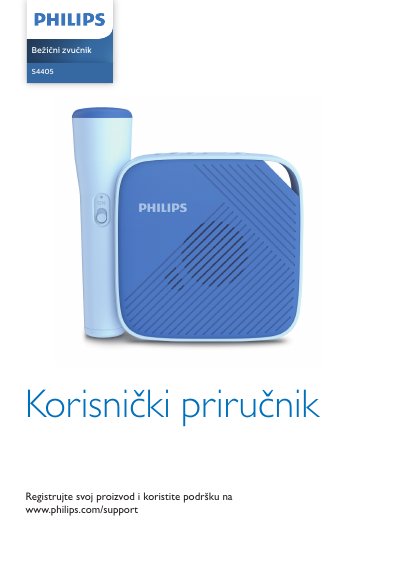
Philips S4405 Wireless Speaker User Manual
This user manual covers the Philips S4405 wireless speaker and its wireless microphone. It describes safety precautions, package contents, controls, charging, microphone battery installation, micro-SD card use, Bluetooth pairing, mixing sound with an audio source, recording, and device information.
The manual also lists product specifications, including 5 V 1.5 A power, 2.5-hour charging time, 6-hour playback, a 3.7 V 1500 mAh built-in battery, dimensions of 105 x 105 x 38 mm, a weight of 250 g, and Bluetooth 4.2 with a 10 m range.
Philips S4405 specifications
| Power supply | 5 V, 1.5 A |
|---|---|
| Speaker size | 1.5 inches |
| Charging time | 2.5 hours |
| Playback time | 6 hours |
| Built-in battery | 3.7 V, 1500 mAh lithium battery |
| Dimensions | 105 x 105 x 38 mm |
| Weight | 250 g |
| Bluetooth version | V4.2 |
| Bluetooth range | 10 m / 32.1 ft |
| Microphone wireless range | up to 5 m |
| Microphone batteries | 2 AAA alkaline batteries |
All Philips S4405 documents by type
Day-to-day operation, settings and troubleshooting. Start here if the product is already set up.
Questions answered in these manuals
How do I pair the Philips S4405 with a Bluetooth device?
Press and hold for 2 seconds to enter Bluetooth pairing mode, then select "Philips S4405" on the device's Bluetooth list. If a password is required, enter 0000.
How long is the playback time?
Playback time is 6 hours.
What are the steps to install a micro‑SD card?
Open the card slot cover, insert the micro‑SD card with the pins facing down until you hear a click, then close the cover.