
Key facts
- Brand
- Philips
- Model
- PD7042
- Category
- Video Player
- Industry
- Electronics
- Documents
- 2
- Languages
- EN
- Last added
- 2026-11-11
Start here
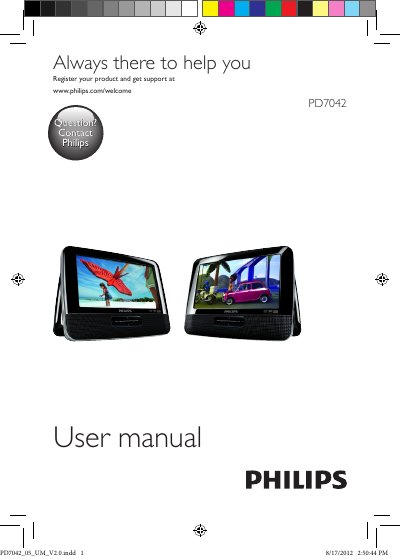
Philips PD7042 Portable DVD Player User Manual
This is the English user manual for the Philips PD7042 portable DVD player. It starts with safety and notice information, compliance, environmental care, copyright and warranty notes, then introduces the player with the package contents and an overview of the main unit controls.
The rest of the manual explains how to prepare and switch the player on and off, select the OSD language, play discs and connect additional equipment, adjust settings, and check product information. A troubleshooting section lists common problems such as no power, no sound, distorted picture and discs that cannot be played.
Philips PD7042 specifications
| Dimensions (main unit) | 195 x 152 x 29 mm |
|---|---|
| Weight (main unit) | 0.7 kg |
| AC power adaptor | ASUC12B-090080 (Philips); input 100-240V~ 50/60Hz 0.3A, output DC 9V 0.8A minimum |
| Power consumption | 9.0 W |
| Operating temperature range | 0-45°C |
| Laser wavelength | 650 nm |
| Video output format | PAL & NTSC |
| Video output level | 1Vp - p ± 20% |
| Audio line out | Analog audio out, output level 2V ± 10%, load impedance 10 K |
| Frequency response | 20Hz-20KHz ± 1dB |
| Signal/noise ratio | 80 dB |
| Dynamic range | 80 dB |
| Default password | 3308 |
All Philips PD7042 documents by type
Day-to-day operation, settings and troubleshooting. Start here if the product is already set up.
Questions answered in these manuals
What discs can the Philips PD7042 play?
It plays DVD-Video, Video CD, Audio CD, MP3 CD, DivX and discs with JPEG files, including CD-R, CD-RW, DVD±R and DVD±RW.
What is included in the box with the player?
The listed contents are the main unit, AC power adaptor, car adaptor, AV cable, car mounting bracket, carry bag, headphones and user manual.
What should I check if the player has no power?
Make sure both plugs of the mains cord are properly connected and that power is available at the outlet.
How do I clean a disc that won't play?
Use a clean, soft, lint‑free cloth and wipe the disc outward from the center.